Leadership messages
Updates from executives or organizational leaders for internal or external audiences.
Corporate video production
Leadership updates, organizational announcements and workplace videos all start with the same question: who needs to watch, and what should they understand when the video ends?
Before production
Camera choices and editing style come later. First, the communications team needs to identify who is speaking, who will watch, and which information matters most.
Existing presentation material, available filming locations, and the place where the finished video will be shown all affect the plan. Working through those details early keeps the recording focused on what the audience actually needs.
Organizational uses
Each use starts with a specific audience and a piece of information they need to receive. The format should follow that purpose.
Updates from executives or organizational leaders for internal or external audiences.
Announcements, changes, initiatives or information that needs a consistent recorded message.
Recorded explanations or demonstrations when video is an appropriate way to share organizational information. The production scope can cover recording and editing without extending into instructional design, curriculum or course development.
Video intended for an organizational website, presentation or another defined communication channel. Its use can be planned without expanding the project into website design, publishing or marketing strategy.
Video created for employees, members, departments or another defined internal audience.

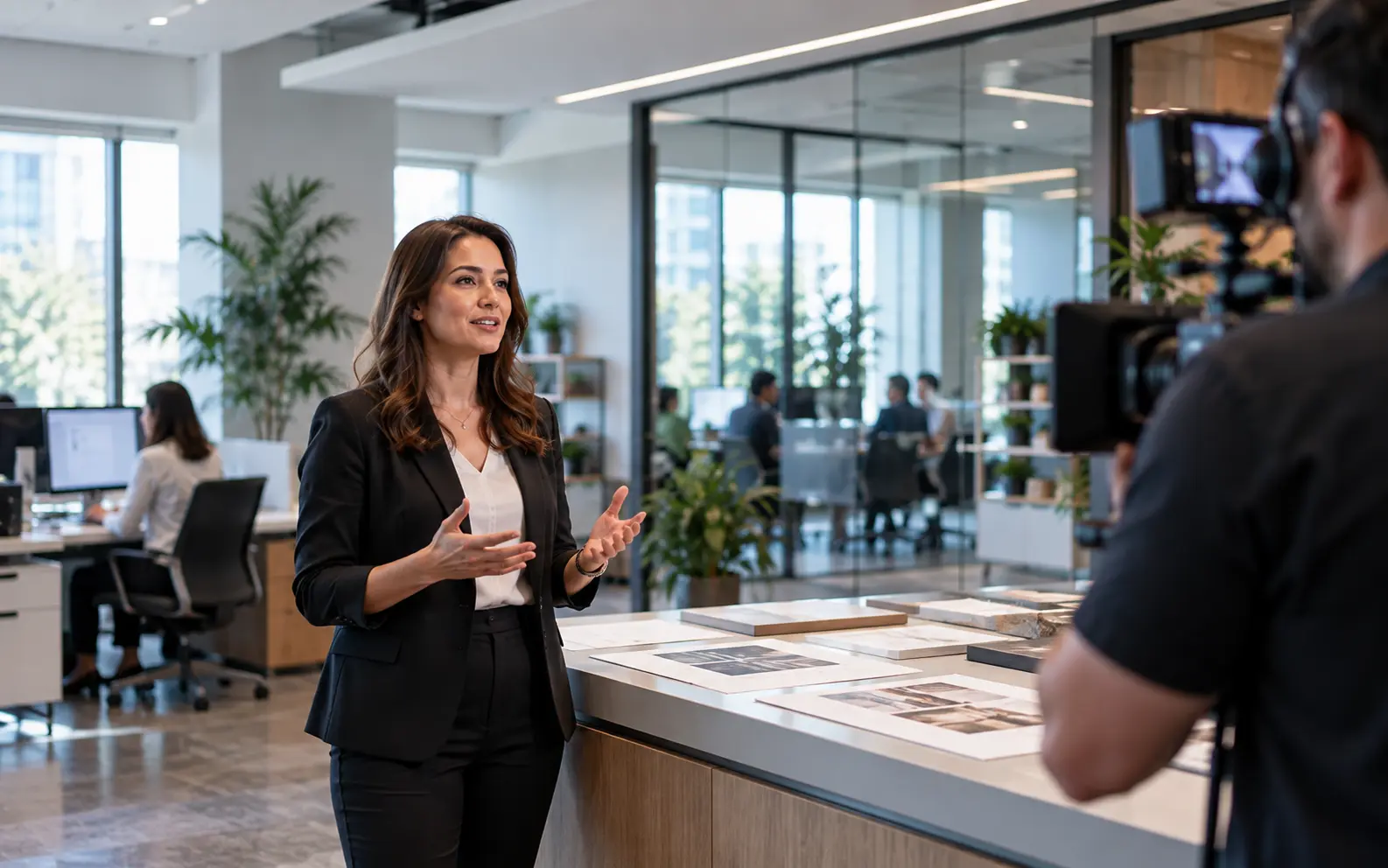
Leadership communication
A recorded update can become stiff when every sentence is treated like a commercial script. The useful preparation is usually simpler: understand the main points, the audience, the available time and how comfortable the person is speaking on camera.
Location review
Filming in an office, association headquarters, nonprofit space or other working environment requires practical review before recording. A location may work well, but its conditions should be understood first.
HVAC, nearby conversations, hallways and normal workplace activity can affect spoken audio.
Windows and existing room light can change throughout the day.
Camera placement and working room may be limited.
Filming needs to fit around people, rooms and normal workplace operations.
The location should support the message without exposing distracting or private information.
Content preparation
Organizations often already have the information needed for the video in briefing documents, presentation decks, talking points or internal material. Reviewing that material before filming can help identify what belongs on camera and what does not.

Internal review
Organizational projects may involve communications teams, leadership, department heads, subject-matter contributors or other internal reviewers. The exact process belongs to the organization, but knowing the likely reviewers early makes the production requirements easier to understand.
Who provides feedback
What information must remain accurate
Which versions are needed
How supplied titles, names or organizational assets are handled
Delivery planning
Depending on the agreed scope, recorded material may be prepared for different organizational uses. Those uses should be identified before editing so the expected deliverables are clear.
Project workflow
Clarify who needs to watch and what they should understand.
Identify talking points, existing documents, contributors and supporting content.
Confirm the room, schedule, access and recording conditions.
Film the planned speakers, workplace material or other agreed content.
Organize the footage according to the agreed structure and delivery requirements.
Service area
Projects can be scoped throughout Washington DC, Maryland and Northern Virginia. Office and institutional locations vary widely, so room access, sound, light and available working space are useful details to share early.
View our service area →Planning FAQ
Projects may include leadership messages, organizational updates, internal communications, workplace video and recorded educational material. The subject, audience and intended use help define what production involves.
It may be possible after reviewing the room, sound, light, access and available working space. Some locations need schedule or room adjustments before recording.
Share the intended audience, key points, contributors, location details, existing documents or presentations, and the final versions you expect to need.
Yes. Planning usually covers the main points, message order, location, available recording time, supporting material and where the finished video will be used.
Yes. Briefing documents, presentation decks and approved talking points can help identify what belongs on camera and which details need careful review.
Yes. When an executive interview is the center of the project, our dedicated Interview Production service explains the preparation in more detail. Learn about Interview Production.
Editing can be included based on the agreed deliverables, review needs and final versions for the project.
Projects can be scoped in Washington DC, Maryland and Northern Virginia. Location details are reviewed as part of planning.
Start a project
Share who the video is for, what needs to be communicated, where filming may happen and how the finished material will be used. That is enough to begin discussing the project.
Request a Quote ↗